
Servers and email
Server setup (self-hosting)
I set up a server of your own where your sites, apps and tools run side by side, and new ones can be added from a panel. My own sites and services run on a server I set up this way, with Dokploy behind Cloudflare.
What you get
- A server on your account
- The server is rented on your account, so it stays yours even if we stop working together.
- Docker and a deploy panel
- Each app runs in its own container, and a panel such as Dokploy puts new versions live and shows the logs.
- Cloudflare in front
- DNS, SSL and caching go through Cloudflare, and the server's own address can stay out of sight.
- Closed doors
- Login with SSH keys only, a firewall that opens just what is needed, and admin panels behind an extra sign-in.
- Apps you host yourself
- Tools such as Firefly III, n8n, Uptime Kuma or your own mail can run here in place of paid subscriptions.
- Backups and monitoring
- Backups go to separate storage every night, and the sites are checked from outside every minute.
How it goes
- 01
You tell me what will run
Sites, apps, databases, and roughly how many visitors they get.
- 02
We pick the server
Size, location and provider; it is opened on your account, and we agree on the price of the work.
- 03
I set it up and move things in
Security, the panel, Cloudflare and backups first, then your sites and apps.
- 04
Hand-over and upkeep
You get the access details and a note; with monthly upkeep I keep it updated and watched.
What the time depends on. It depends on how many sites and apps will run on it, whether anything moves over from an old host, and how quickly the server account gets opened.
Work I have done

 eniyifilmler.com
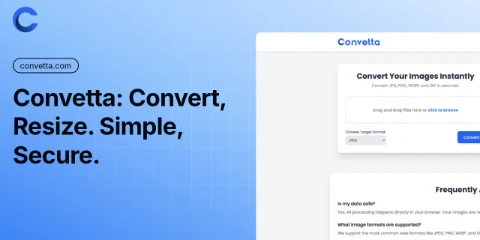
 Convetta
Questions
Why my own server and not hosting?
A server runs several sites, apps and databases for one monthly fee, and you choose what runs on it. For a single site, shared hosting is simpler and often enough; I tell you which one fits.
What does the server cost?
The provider bills you directly, every month, by the size of the server. I suggest a size that fits what will run on it, and it can be upgraded later.
Who looks after it after setup?
If you want monthly upkeep, I take on the updates, backups and watching it; we agree on what it covers up front. Otherwise you get the access details and the note, and the server is fully yours.
Tell me about it
A few quick choices, then your details. It takes a minute, and I write back by email.
Step 1 of 3