KDE Plasma widget · 2026
tuya-light
Controls Tuya Wi-Fi bulbs from the KDE Plasma panel, over the local network by default.
What it does
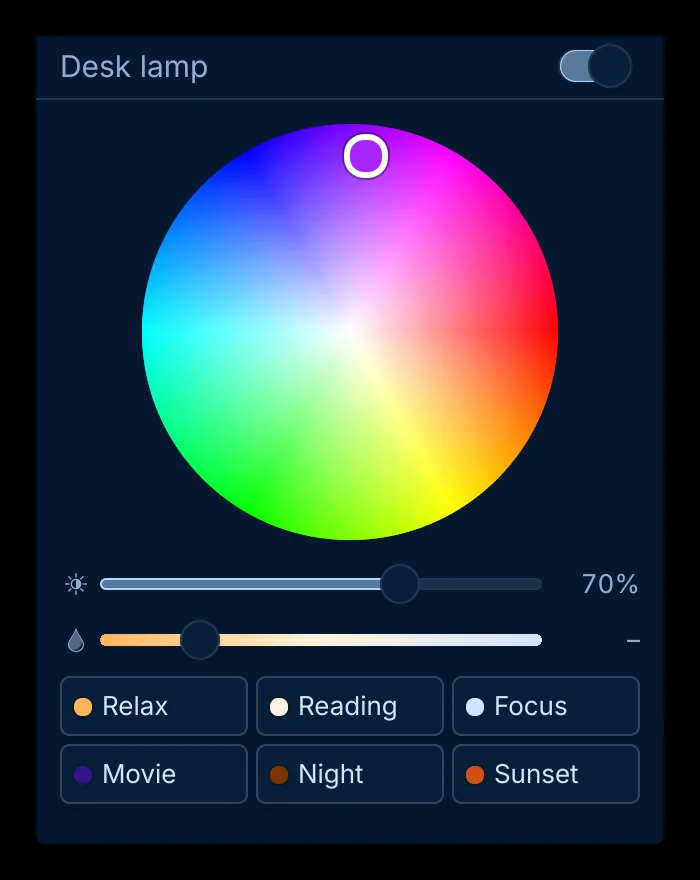
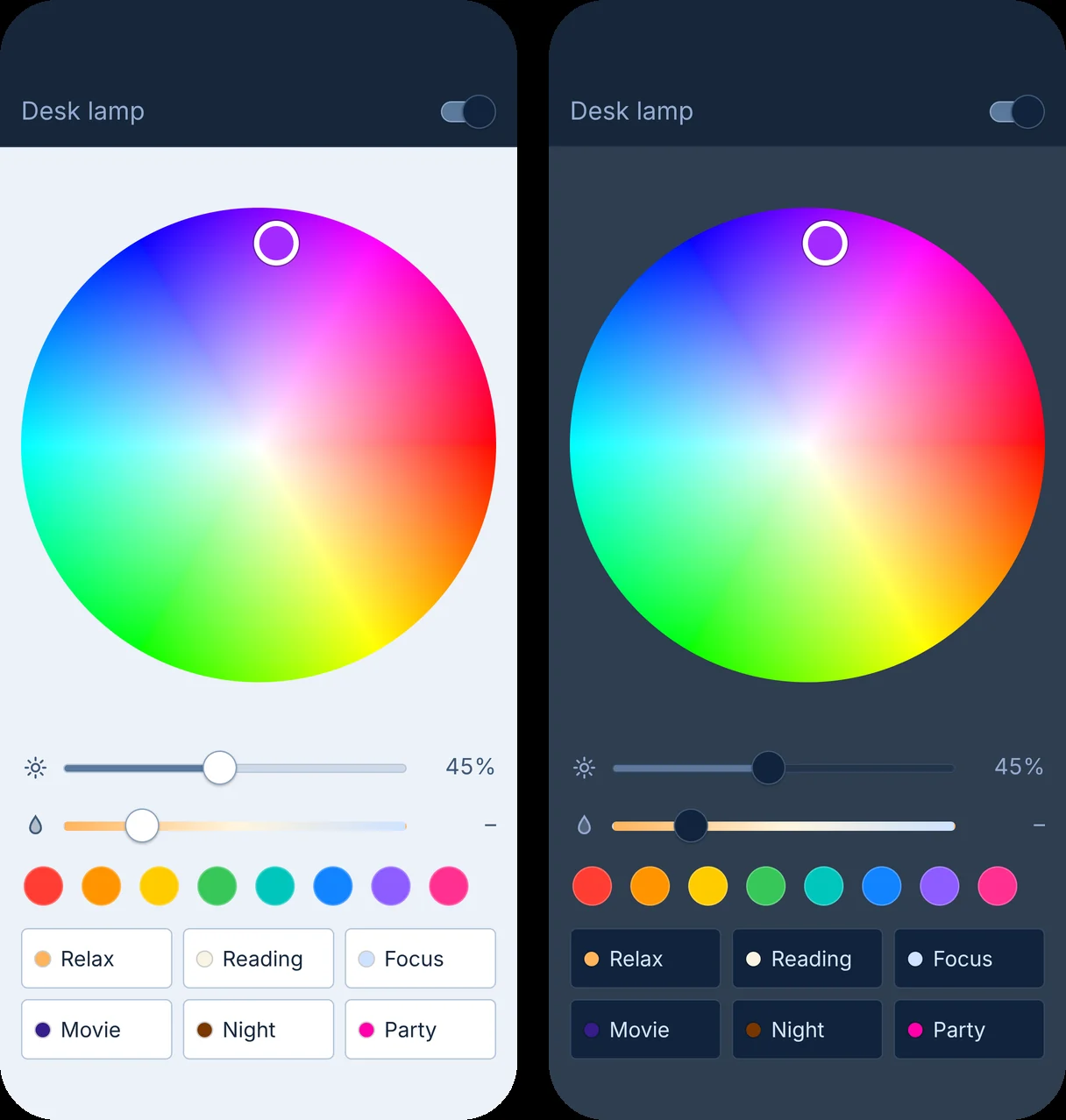
- Plasma panel widget with a colour wheel, brightness, a warm-to-cool white slider, favourite colours and scenes; the icon takes the light’s current colour.
- Your own scenes: create, edit, hide, or save what the light shows right now. The command line, the MCP server and the phone page share the same list.
- Command line: tuya-light on, colour purple, brightness 30, scene movie; --json for machine-readable output.
- MCP server, so an assistant such as Claude can handle “make the light warmer” or “movie mode”.
- Phone page: tuya-light serve puts the same controls on a phone screen and can be added to the iPhone Home Screen.
- By default it talks to the bulb on the local network with the bulb’s local key. For a server away from home there is an opt-in cloud backend and Docker setups.
- Problem
- Tuya’s phone app sends every tap through Tuya’s cloud, so the light depends on the cloud being up and fast.
- My role
- My own project: idea, design, development.
- Solution
- One Python core that talks to the bulb directly with its local key, used by a Plasma 6 widget, a command line, an MCP server and a phone page. The cloud is needed once, during setup, to fetch the key.
- Result
- Open source under GPL-2.0-or-later, in English and Turkish. Supports both bulb generations and Tuya protocol versions 3.1 to 3.5.
About
A Plasma 6 panel widget that controls Tuya Wi-Fi bulbs over the local network, without going through the cloud. It has a colour wheel and scenes.
The same core also runs as a command line tool and as an MCP server for AI assistants.
Screenshots