Open-source tool · 2026
ios-homescreen
Rearrange an iPhone home screen from Linux, in a browser editor or by telling your AI agent.
What it does
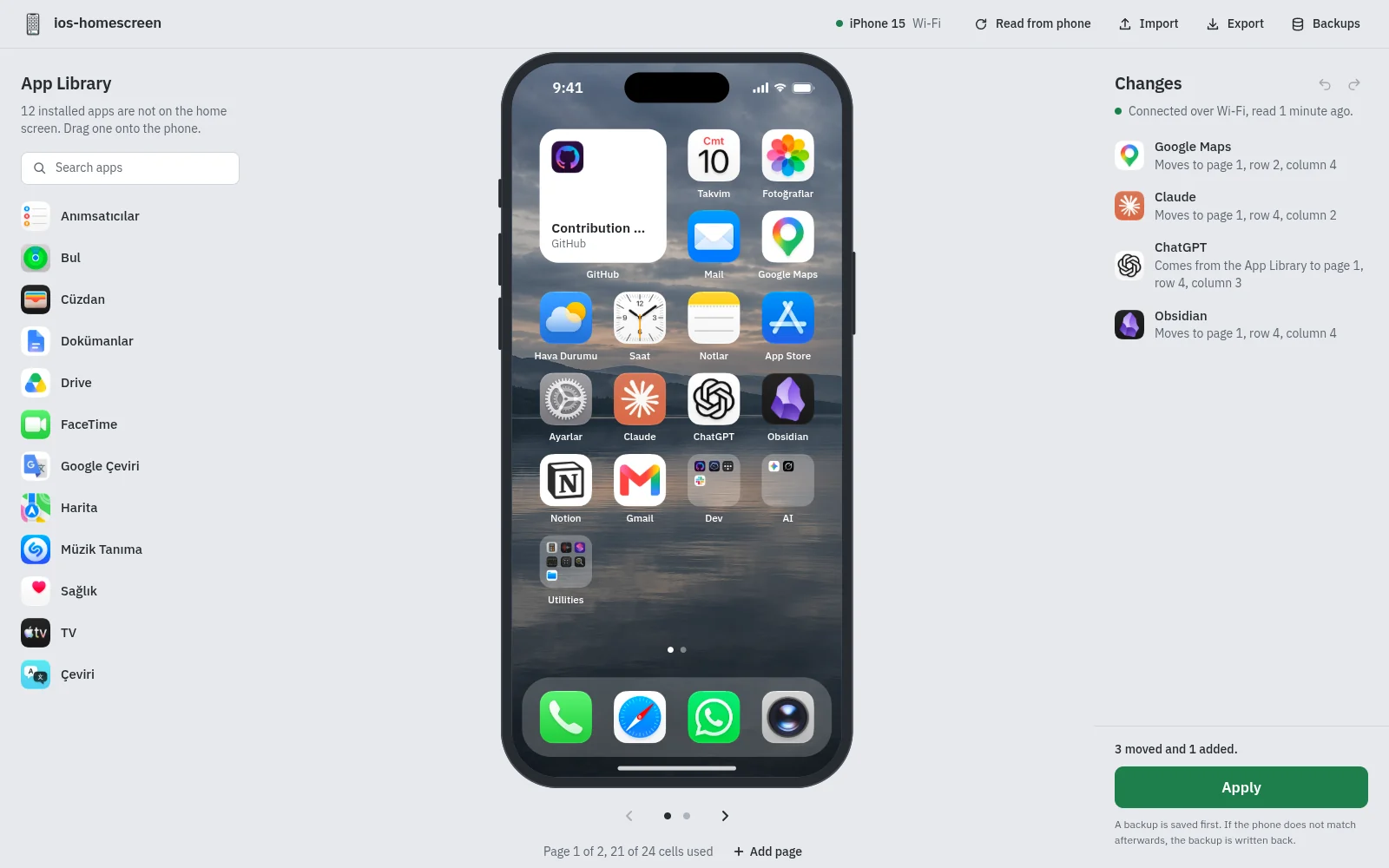
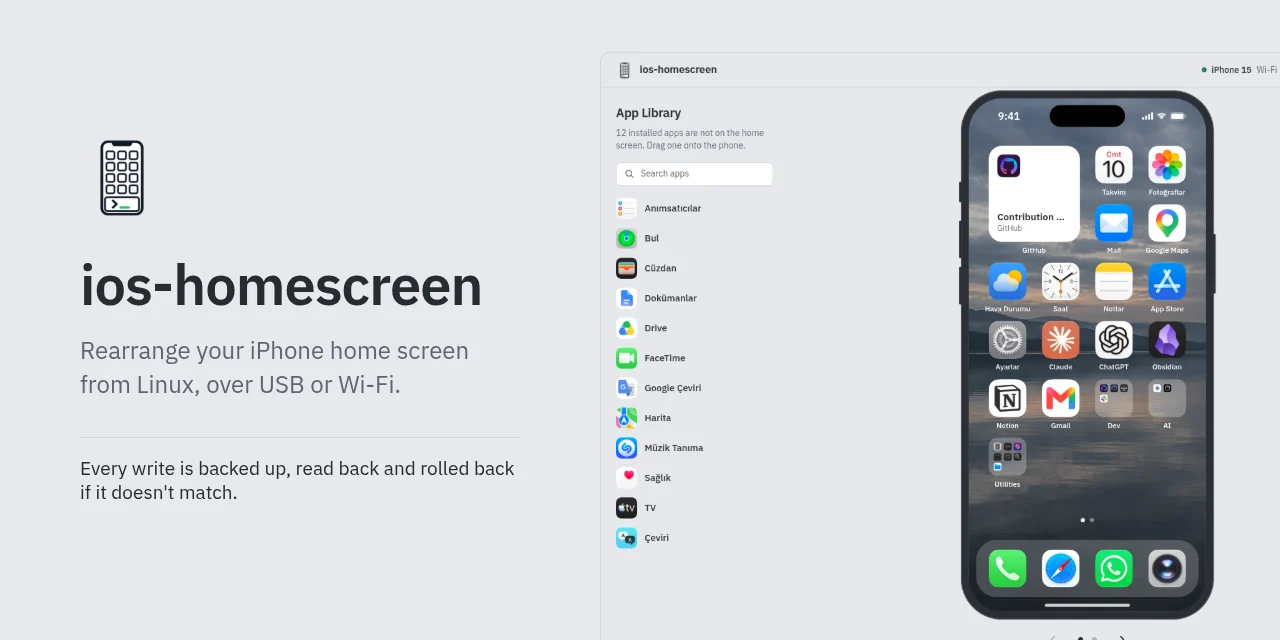
- Drag your real icons around in a browser editor that mirrors the phone, then press Apply.
- An AI coding agent such as Claude Code, Codex or Cursor can do the setup and the editing, and waits for your yes before anything is written.
- Reads the dock, pages, folders, widgets, widget stacks and web clips into a plain TOML file you can also edit by hand.
- Checks the layout before it touches the phone: unknown or duplicate items, a full dock, pages over 24 cells.
- Backs up before every write, reads the phone again to verify and writes the backup back if it does not match; restore latest undoes a push.
- Works over USB, or over Wi-Fi on iOS 17 and later after a one-time USB setup. No root, no Developer Mode.
- Problem
- Rearranging dozens of icons by dragging them around on the phone is slow. The home screen protocol is undocumented, and a careless write can dump every installed app onto the end of the home screen.
- My role
- My own project: idea, design, development.
- Solution
- A Python tool on top of pymobiledevice3, with a browser editor and a command line. Every write goes through the same steps: offline check, backup, a write with a time limit, a fresh read to verify, rollback if it does not match.
- Result
- Open source under MIT, for Linux with Python 3.11 to 3.13. The write format was verified on an iPhone 15 with iOS 26 and iOS 27.
About
An open-source tool that rearranges an iPhone home screen from a Linux computer, no Mac needed. You drag your real icons around in a browser editor. You can also tell your AI agent what you want.
It takes a backup before every write, then reads the phone back to compare and rolls the change back if it does not match. It works over USB or Wi-Fi.
Screenshots